
Momento · Windows 11
Themes and palettes
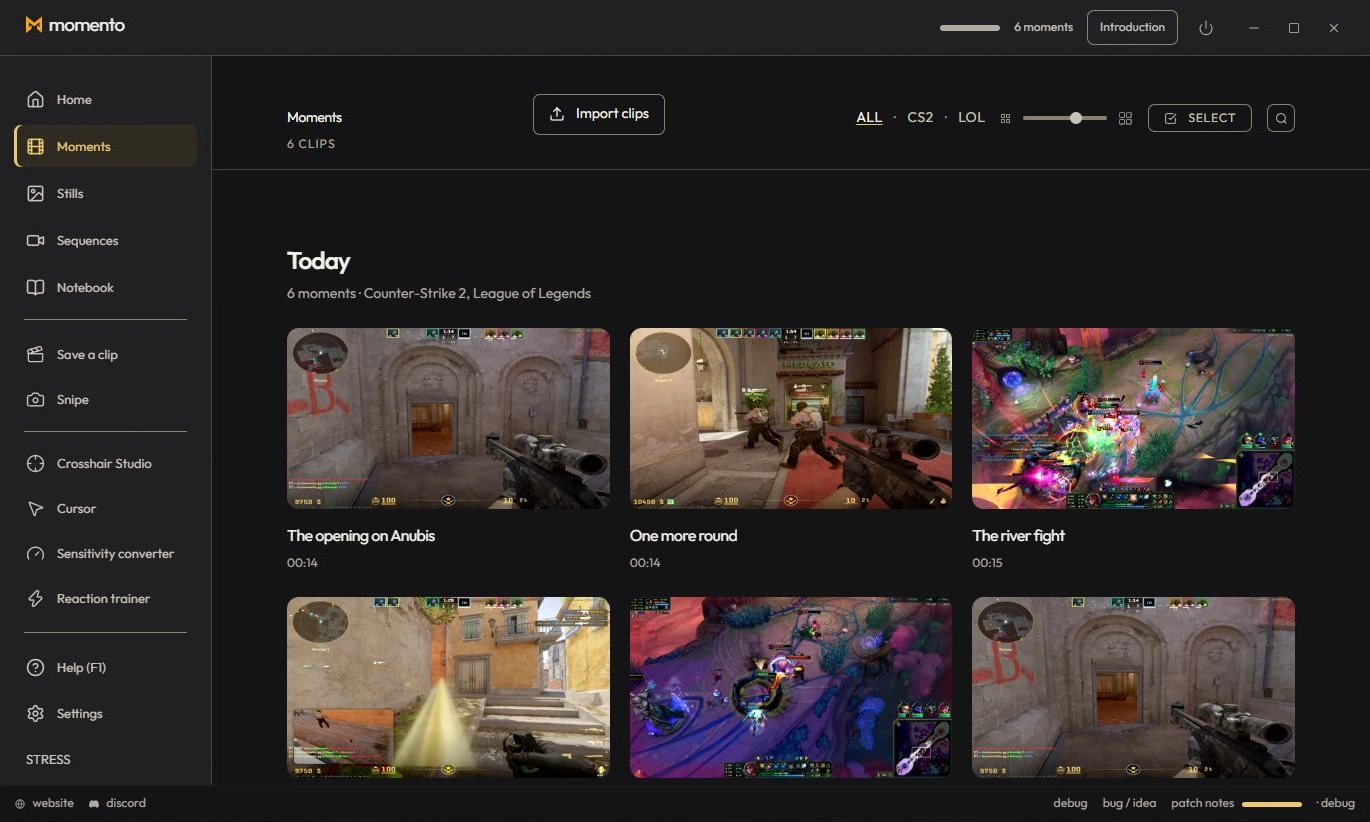
Choose a style and palette, then preview them in the interactive workshop. Personalise fonts, surfaces and controls; visual effects pause during capture, REC and when Momento is in the background.
Windows 11 · Account and purchase in the app
Appearance (language & themes)
- App language: 10 languages (French, English, Spanish, German, Russian, Simplified Chinese, Brazilian Portuguese, Polish, Turkish, Ukrainian).
- Choose a style and its colour palette, preview it in the interactive workshop, then apply it. Styles change more than the accent: typography, surfaces and controls can vary. Momento Signature adds the charcoal and gold look; ION offers several palettes.
- “Game colors”: the interface takes on the colors of the detected game (disabled by default).
- Game data language (champions, items, news) — independent of the app language.
- In-game performance HUD: the FPS / CPU / GPU / RAM overlay (disabled by default — see the manual’s Tools section).
- “Replay the intro”.