
Choose your PC gaming tools with Momento
Choose a Windows 11 gaming toolbox for your needs: crosshairs, gameplay clips, editing, screenshots, notes and sensitivity conversion in Momento.
Momento · Windows 11
Convert sensitivity between game profiles using source and target DPI and cm/360° distance. Check the result in game where sliders or response curves differ.
Windows 11 · Account and purchase in the app
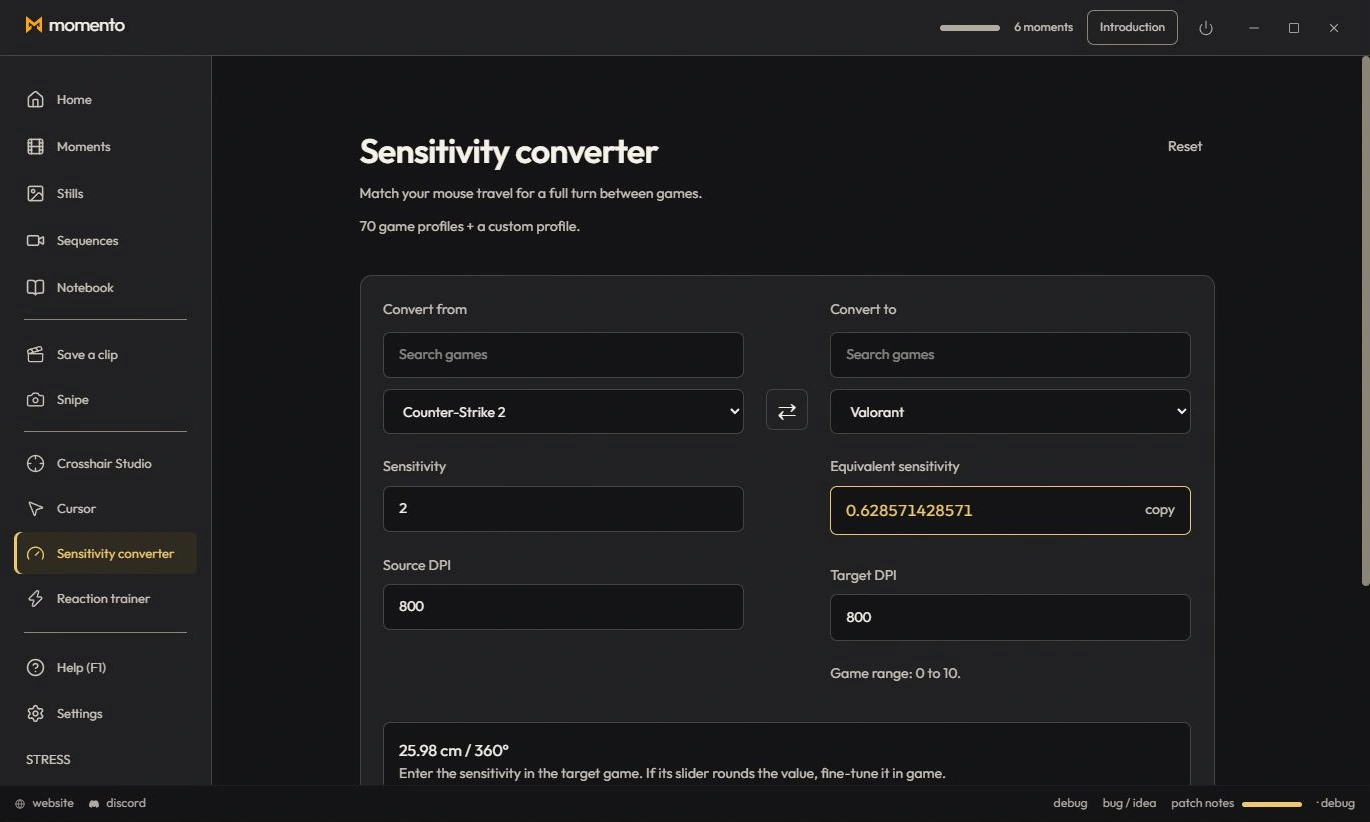
Keep the exact same aim from one game to the next: the converter computes the equivalent sensitivity, at the same 360° distance. Open it from the Tools rail.
Choose a Windows 11 gaming toolbox for your needs: crosshairs, gameplay clips, editing, screenshots, notes and sensitivity conversion in Momento.