
Momento · Windows 11
KillCut montages
Turn detected kills into a new Moment with a short passage around each one. KillCut is available when the clip contains detected kills and keeps the original video intact.
Windows 11 · Account and purchase in the app
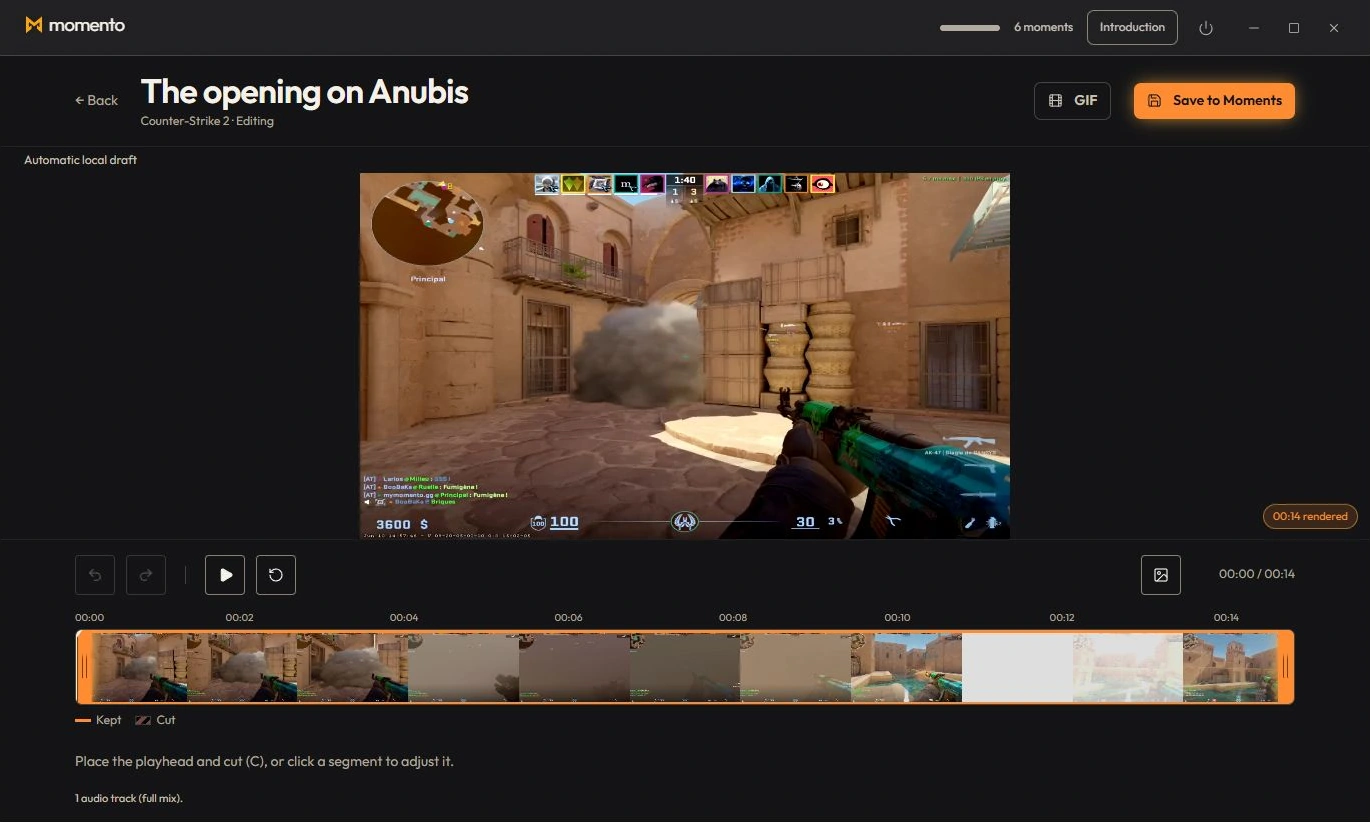
KillCut: keep only the kills
On a clip where kills were detected, the “KillCut” button (in the clip player) automatically creates an edit that keeps only the kills (about 3 seconds around each). The result is saved as a new moment, without touching the original.
Use the tools together
Build a montage from available game events
When a clip contains the required game events, KillCut can use that context to prepare kill segments. Availability depends on the game and data in the clip.