
Turn a full gaming session into a short clip
Record with REC, find the session in Sequences, trim it, adjust the available audio tracks and save a short MP4 or an optional silent GIF in Momento.
Momento · Windows 11
Capture system or game audio and add an optional microphone track. When separate tracks are available, adjust or mute them in the editor to keep the sounds you choose.
Windows 11 · Account and purchase in the app
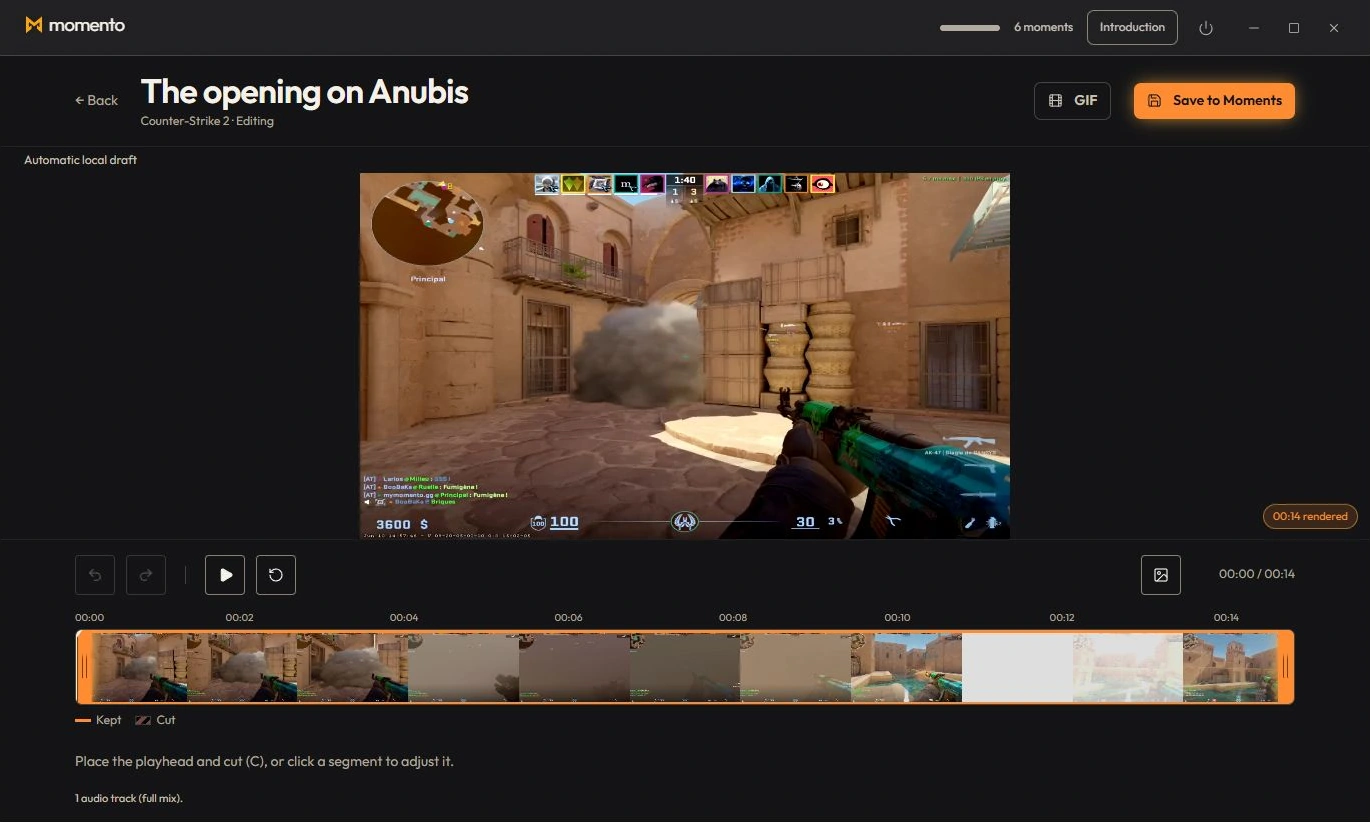
When the clip contains separate game, Windows and microphone tracks, adjust their volume, mute or solo independently and hear the result in the editor. The microphone is also available for clips with system audio and no game/Windows split.
The saved MP4 uses your selected audio mix, including the microphone if kept. Mute a track to remove it from the exported mix.
Record with REC, find the session in Sequences, trim it, adjust the available audio tracks and save a short MP4 or an optional silent GIF in Momento.