
Turn a full gaming session into a short clip
Record with REC, find the session in Sequences, trim it, adjust the available audio tracks and save a short MP4 or an optional silent GIF in Momento.
Momento · Windows 11
Turn a short video passage into a looping GIF in the editor. Export up to 15 seconds into Instants and copy the animation to share it; GIFs have no audio.
Windows 11 · Account and purchase in the app
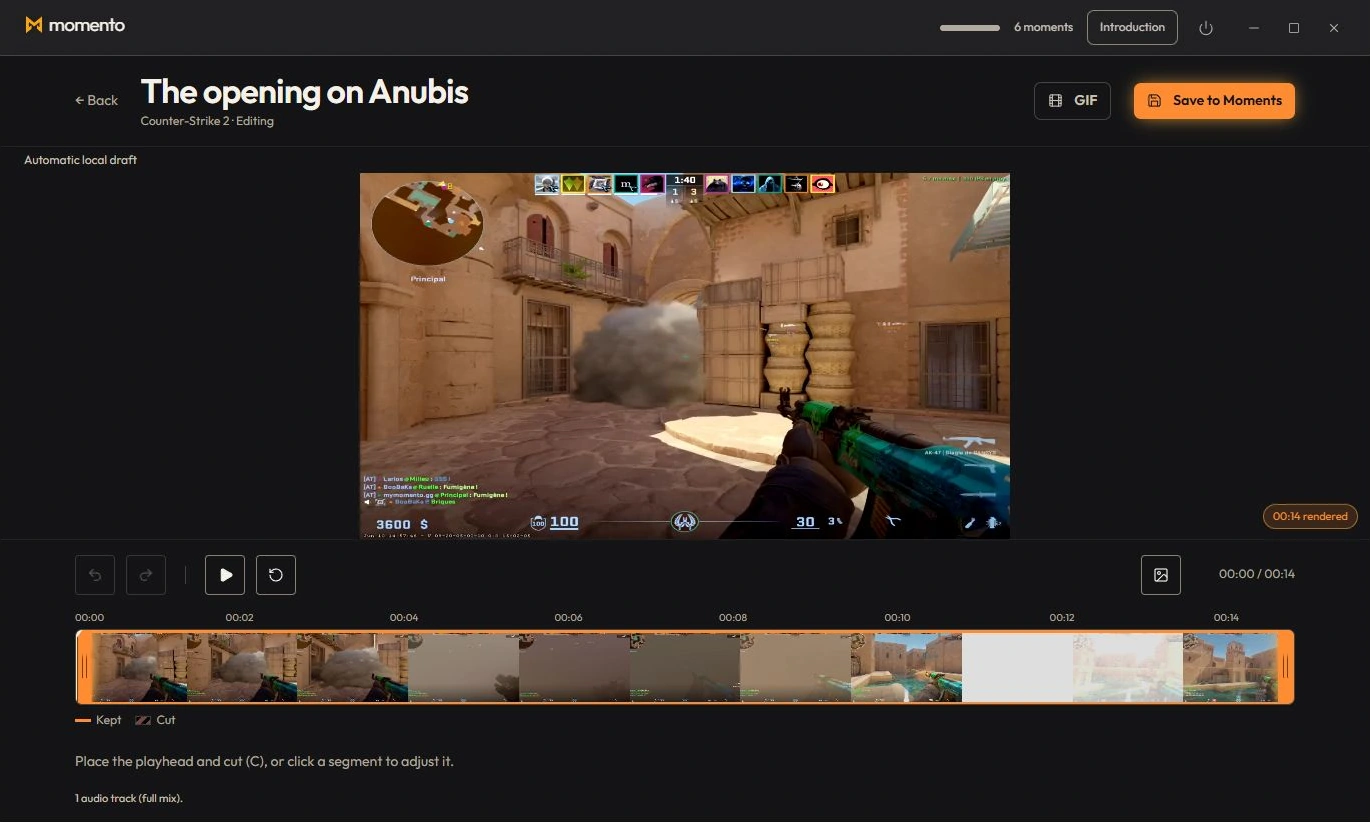
A GIF has no sound and loops forever. For an extract with sound, save the montage as a video instead (“Save to Moments”).
Choose a range in the editor and export a GIF. Find the exported animation in Instants.
Record with REC, find the session in Sequences, trim it, adjust the available audio tracks and save a short MP4 or an optional silent GIF in Momento.