
From a game clip to an annotated Notebook
Replay a Moment, extract a frame as an Instant, annotate the image and pin your media in Notebook. Connect game clips, screenshots and notes in Momento.
Momento · Windows 11
Annotate screenshots with arrows, text and shapes, blur a detail or crop the image. Save an edited copy while keeping the original Instant, or copy the result to your clipboard.
Windows 11 · Account and purchase in the app
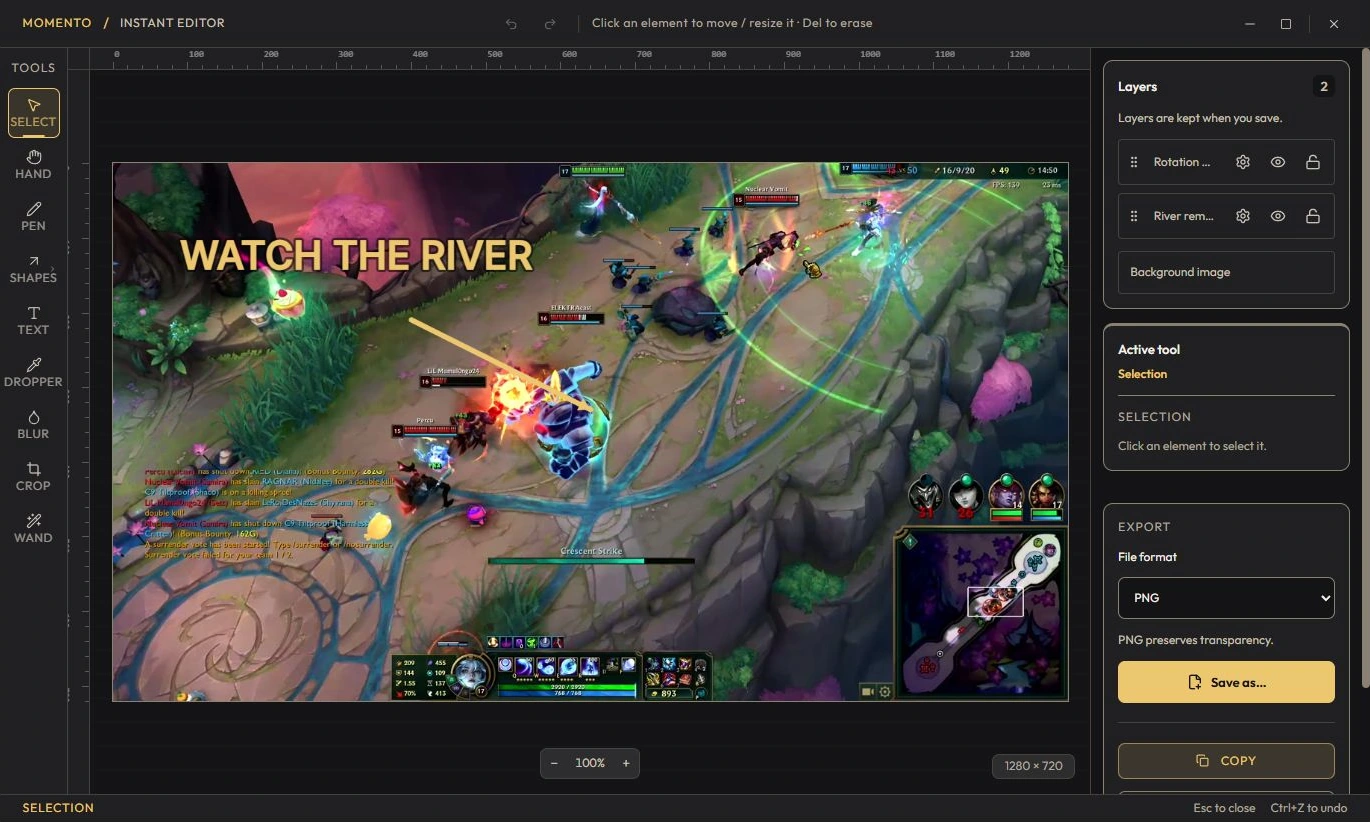
In the viewer, click the brush icon (“Edit”) to open the full-screen editor.
To save: “Copy” (clipboard), “Save copy” (creates a new Instant), or “Overwrite the original”.
You can replace a Moment's or a Sequence's thumbnail with any Instant from your gallery (edited or not) — handy for a cover that reads better than a random frame pulled from the video.
Extract a frame from a Moment or Sequence as an Instant, edit it and use an image as a custom video cover.
Replay a Moment, extract a frame as an Instant, annotate the image and pin your media in Notebook. Connect game clips, screenshots and notes in Momento.