
Turn a full gaming session into a short clip
Record with REC, find the session in Sequences, trim it, adjust the available audio tracks and save a short MP4 or an optional silent GIF in Momento.
Momento · Windows 11
Find long REC recordings by date, game or label. Use the shared player and editor to turn a passage from a session into a shorter Moment.
Windows 11 · Account and purchase in the app
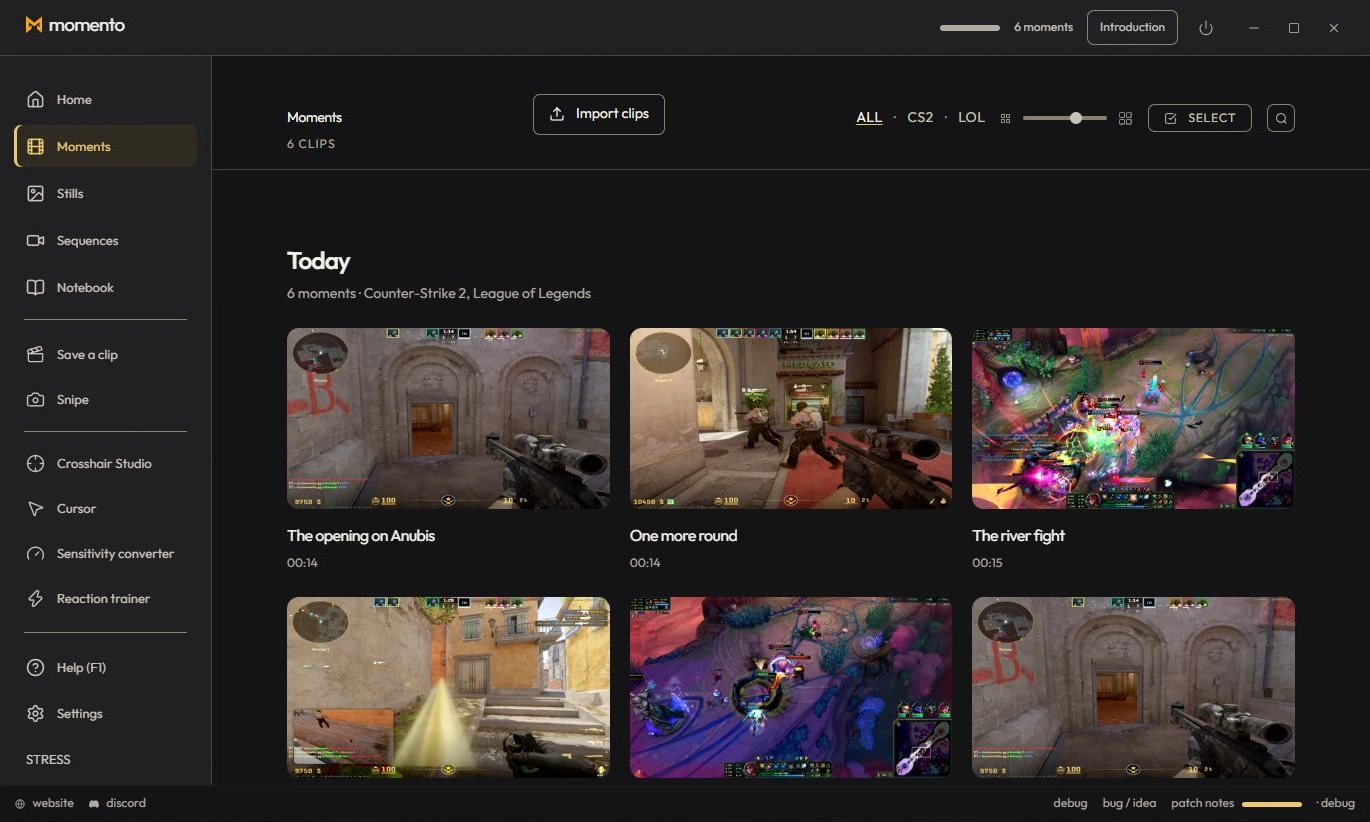
Sequences groups your long recordings by date, with the same library and tools as Moments. Double-click a card to open the player, then open the editor to create a Moment.
Use the editor to keep part of a Sequence and save it as a new Moment.
Record a session, find it in Sequences and use the editor to keep a shorter Moment in your library.
Extract a frame from a Moment or Sequence as an Instant, edit it and use an image as a custom video cover.
Record with REC, find the session in Sequences, trim it, adjust the available audio tracks and save a short MP4 or an optional silent GIF in Momento.